Linux and PHP web application support and development (Bromsgrove, UK)
Examples of our work
Here are some screenshots and details of some mobile apps we’ve developed :
KashDroid – “Kashflow accounting on the move”
This is designed to allow Kashflow accounts users (of which Pale Purple is one) to use Kashflow on the move – on their Android mobile phone/tablet. The video below should give you some illustration of it’s capabilities. You can find it on the Google Play store here
The application has a number of interesting features – including :
Offline support (app will used cached if no network connection is available, ability to create invoices offline)
Widget support – so you can have a summary/overview on your launch screen/home screen
Address book sync/integration – it’s likely you’ll have invoicing/contact details for customers within Kashflow.com – so this feature allows you to merge your Kashflow address book with what’s on your phone.
In app purchase – given the app is free, we thought we’d experiment with charging for invoice creation, widget use and address book sync. Currently the user purchases a 6 month subscription at a time.
In the background it communicates securely with the published Kashflow.com SOAP API.
ScoresOnTheDoors – Food Hygiene
We’ve developed a couple of versions of this application – for both Android and iOS platforms. Initially both were based on PhoneGap (HTML5, Javascript etc), however since then we’ve rewritten the Android variant to be native (offering a better experience).
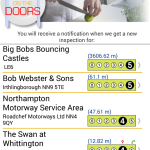
Nearby search (take the user’s current location and query the API for matching premises) – on launch this is the default view.
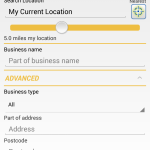
Search by business type / name / address / postcode with distance selection (e.g. find me all premises named like ‘fish’ within 10 miles of my location).
Search for premises around another town chosen by name.
Maintain a list of ‘Favourited’ premises.
Ability to alert the end user to new ratings for favourited premises (push notifications)
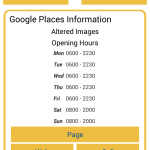
Integration with Google Places
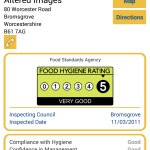
Display details for the premises – rating, rating date and contact details
Provide map/directions for premises
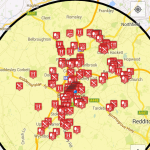
Search by map – i.e. panning/zooming a map to a specific area and then retrieving ratings for premises around a given geo-coordinate point which are then plotted on the map
Support for sharing a premises with other applications – e.g. by email, twitter, facebook and so on
Some screenshots –
The advanced section is expanded in this example.
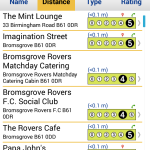
Food hygiene rating listed along with icons to provide informational hints (e.g. google places, telephone, website etc)
Premises are given appropriate icons to help the user (e.g knife and fork for a restaurant)
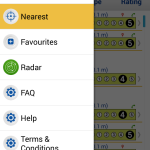
Slide out menu
Premises favourited by the end user. In this instance, the user will also receive a push notification should the rating for any of these change.
The details for a specific premises – buttons are shown/hidden depending on the data available
Showing details retrieved from the Google Places API
iNewitt
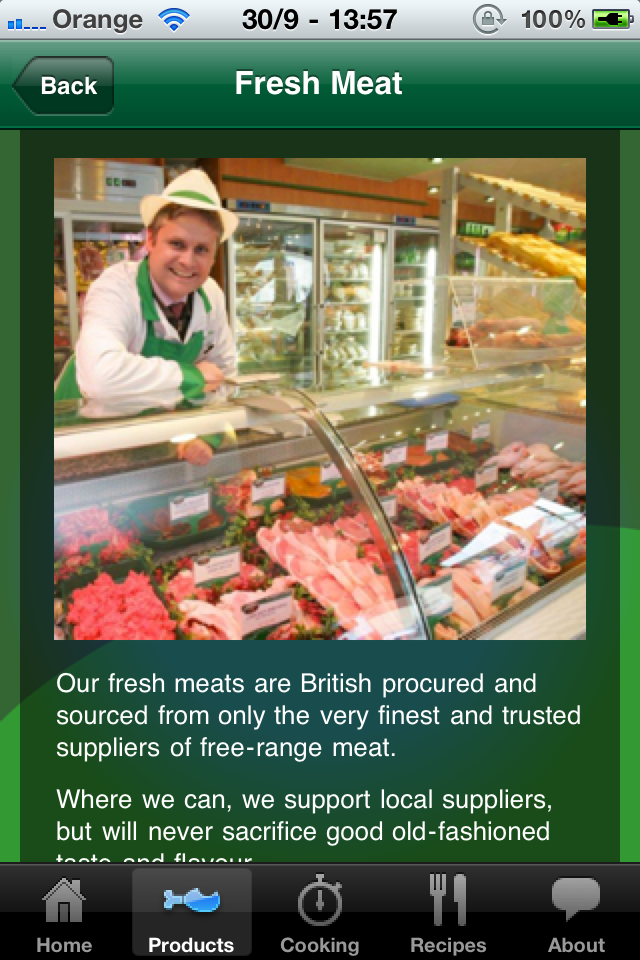
This is a relatively simple iOS/PhoneGap application, designed to advertise a butcher’s shop.
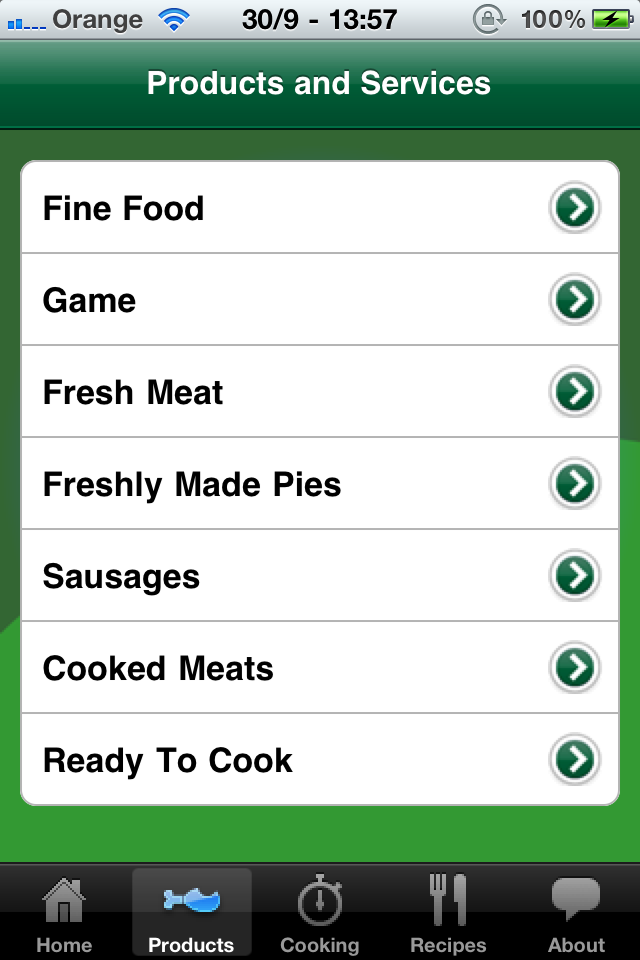
Simple listing of content / categories :
A list of products available for sale
The user can then select to drill into the detail for a specific item – page transitions were used to provide a ‘native’ feel to the application – even though it’s written in HTML5.
Sausages detail page
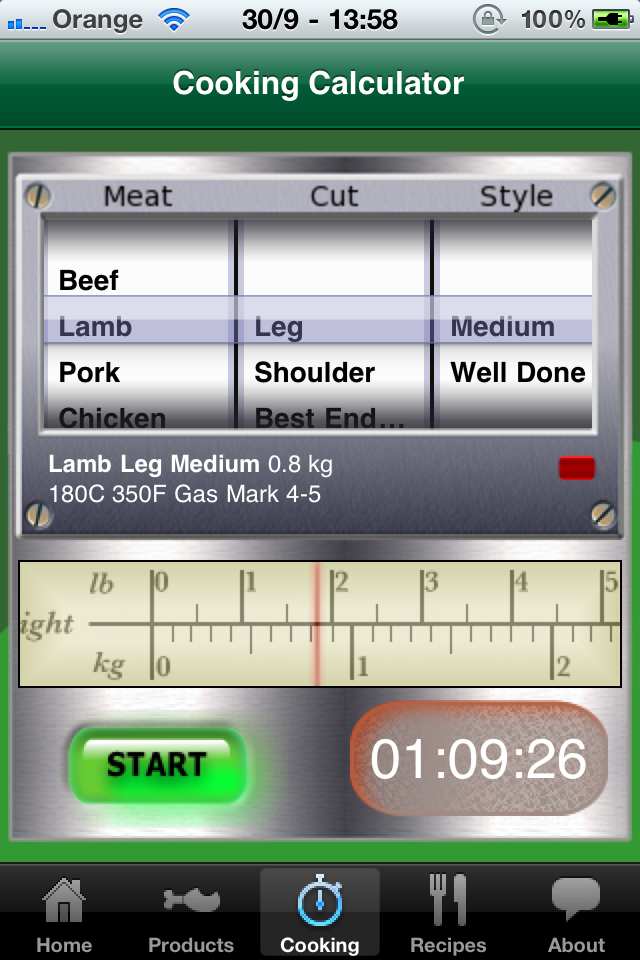
And can also use a ‘cooking calculator’ to help them correctly cook a specific joint/type of meat –
A cooking calculator
This works by allowing the user to set an alarm/notification once a dynamically computed time has elapsed.
Other applications
Food Standards Agency – Food Hygiene iOS and Android applications. These apps combine real time data with geo-location (so the user can find hygiene ratings for nearby businesses) along with display of the results on a map. The FSA apps were based on a previous build of the ScoresOnTheDoors app (above).
Car delivery network – delivery application allowing mobile employees to receive, create and work on jobs. One interesting aspect about this application is that it is designed to be functional even if no network reception is available through a sophisticated event queuing and notification system. The project involves both ‘native’ Java core and a HTML5 based UI. (Google Play Store)
Service Accent Wireless – Engineer’s job schedule (Android) – Business application providing workflow and process for engineers / remote workers – again with background queuing of jobs to allow for offline operation. (Google Play Store)
Share
Search
Customer Quotes
I just want to send to you my personal thank you for all of the support work that you’ve done for me over the last few years. I’m quite sure that I would have been stuck on many an occasion with the different requests, in particular from primary schools, who needed changes made on the server for the extra services that they required. Your company has given me a confidence and peace of mind that I could not have otherwise had, for which I am very grateful.
Tim Waters Textured Web